Capture attention with vibrant visuals! Explore our world of innovation and style. Elevate your experience with cutting-edge designs. Unleash creativity – discover more today!
Start Your Test Now Dear learners, Are you interested in assessing your progress? Request your mentor to give you access and start your Test.
HTML (Hypertext Markup Language) is the backbone of web development, serving as the standard markup language for creating and structuring web content. As a beginner, understanding the basics of HTML is the first step towards crafting web pages
Learn Advanced-level HTML
1.HTML LAYOUT:
HTML5 tags :
As we know that HTML5 is a new version of HTML ( Hypertext markup language). HTML5 introduced many new tags that will benefit many developers. These tags are generally supported by all major browsers. These tags belong to many aspects such as graphics, media, and forms.
Here is the list of some HTML5 tags : <article> / <aside> / <audio>/ <canvas> / <figure>/ <footer>/ <header>/ <main>/ <mark>/ <nav>/ <section>/ <svg>/ <time>/ <video> etc.
HTML layout :
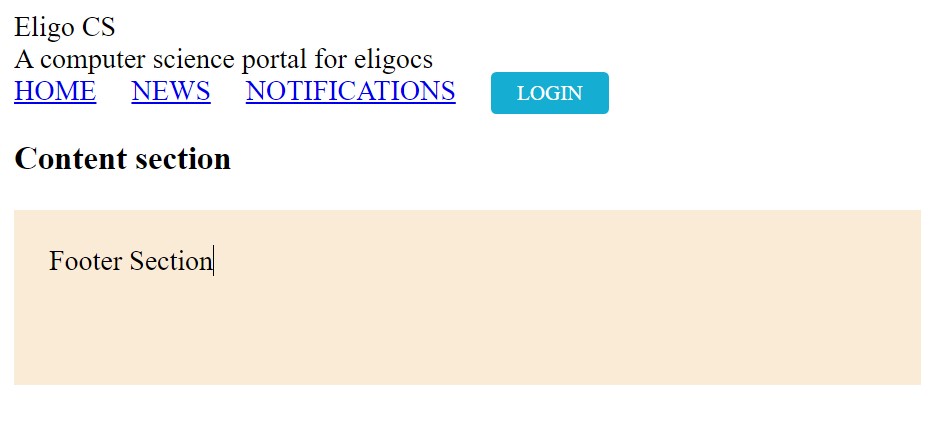
HTML layout refers to the structure of a web page, achieved through elements like <header>, <nav>, <main>, <article>, <section>, <aside>, and <footer>. These elements help organize content, define the page’s sections, and enhance accessibility and SEO.
2. <video>/ <audio>/ <figure> /<svg> tags in HTML .
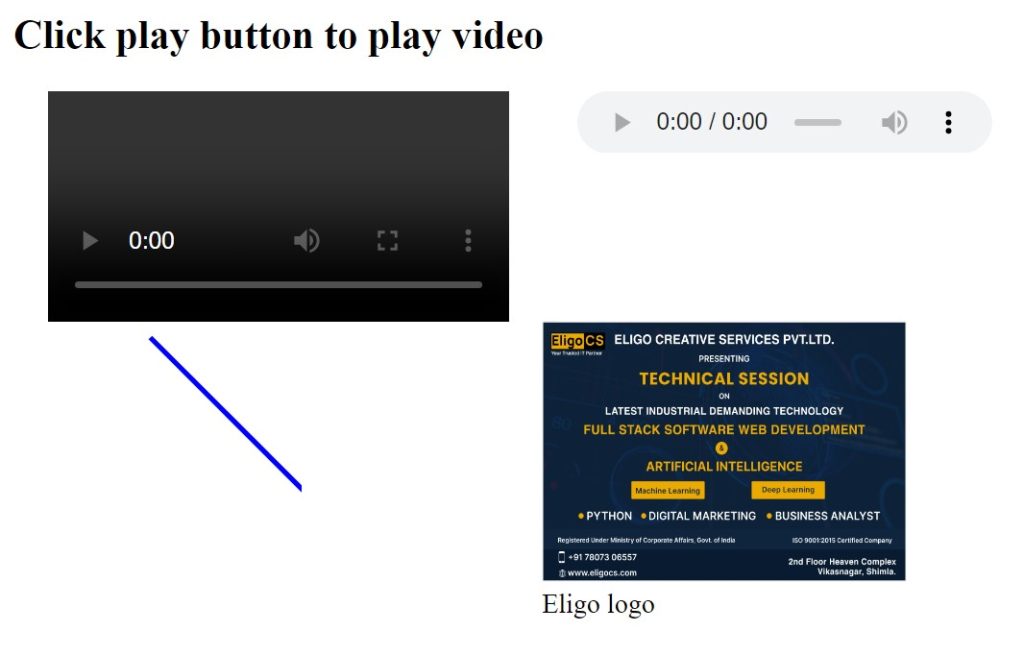
The HTML5 <audio> and <video> tags make it simple to add media to a website. You need to set src attribute to identify the media source and include a controls attribute so the user can play and pause the media.
The <canvas> tag in HTML is used to draw graphics on a web page using JavaScript. It can be used to draw paths, boxes, texts, gradients, and adding images. By default, it does not contain borders and text.
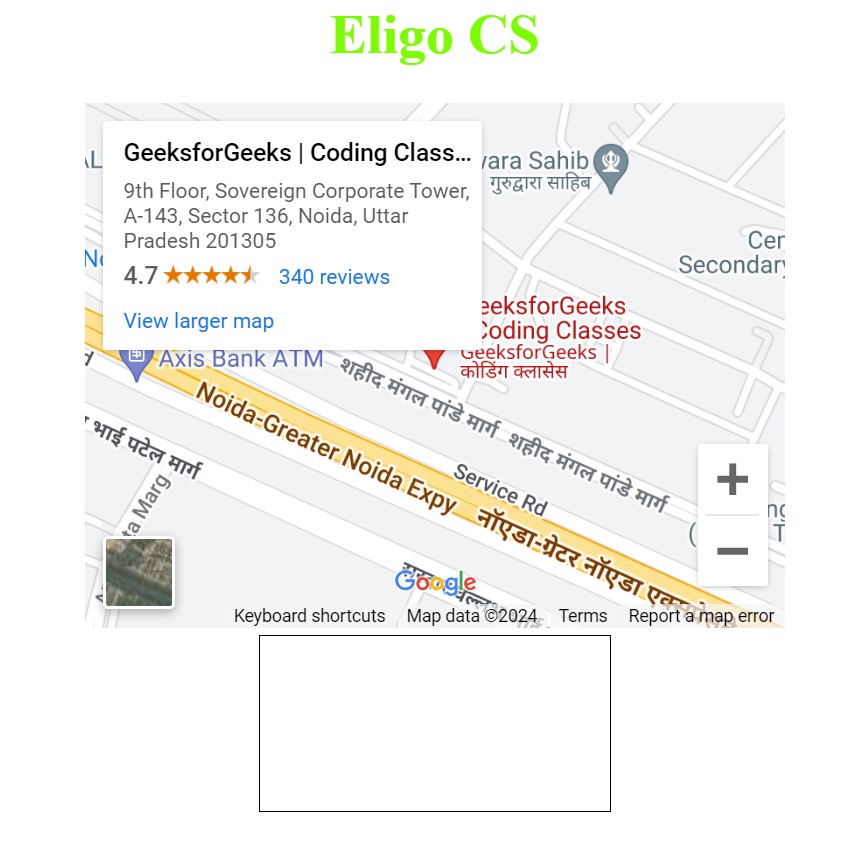
In this article, we will know HTML Iframes, and their implementation through the examples. The iframe tag in HTML stands for Inline Frame and is used to embed another HTML document within the current document.
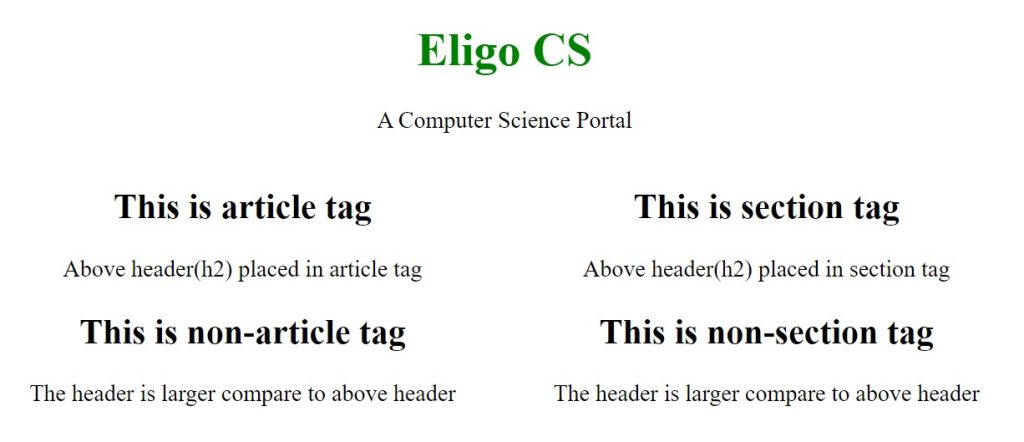
Placing <article> tag inside of <section> tag is good practice, like section basically defines the types and the articles will contain the specific contents in that type of section.
HTML
<!DOCTYPE html>
<html>
<head>
    <title>
        article tag over section tag
    </title>
<style>
        .container {
            width: 650px;
            height: auto;
        }
        .section {
            float: right;
        }
        .article {
            float: left;
        }
        h1 {
            color: green;
        }
    </style>
</head>
<body>
<main>
    <center>
        <h1>Eligo CS</h1>
        <p>A Computer Science Portal</p>
        <div class="container">
            <div class="article">
                <article>
                    <h2>This is article tag</h2>
                    <p>
                        Above header(h2) placed
                        in article tag
                    </p>
                </article>
                <h2>This is non-article tag</h2>
                <p>
                    The header is larger compare
                    to above header
                </p>
            </div>

            <div class="section">
                <section>
                    <h2>This is section tag</h2>
                    <p>
                        Above header(h2) placed
                        in section tag
                    </p>
                </section>
                <h2>This is non-section tag</h2>
                <p>
                    The header is larger compare
                    to above header
                </p>
            </div>
        </div>
    </center>
</main>
</body>
</html>
HTML
5. Responsiveness of Web page :
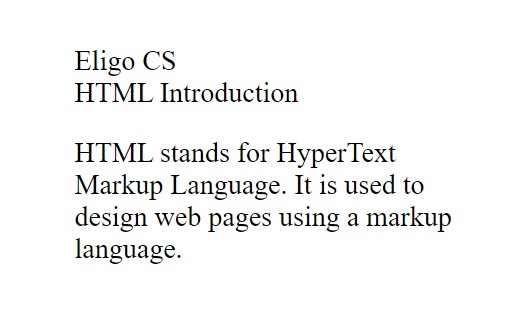
HTML Viewport represents the area of display or screen visible to the user. It varies from device to device. This approach set the available screen width as the 100% width of the web pages and adjusts content accordingly to make it responsive.
HTML
<!DOCTYPE html>
<html>

<head>
    <title>Eligo CS</title>
    <meta charset="utf-8"name="viewport"content="width=device-width, initial-scale=1.0" />
</head>

<body>
    <div class="ECS">Eligo CS</div>
    <div class="ELIGO">HTML Introduction</div>
<p>
        HTML stands for HyperText Markup Language. It is
        used to design web pages using a markup
        language.
    </p>
</body>

</html>
HTML
Dear learners, Are you interested in assessing your progress? Request your mentor to give you access and start your test.